
Turn Photo Into Anime Character Free No Login
Upload any photo and transform it into anime, manga, Ghibli, or realistic art. Instant. Commercial license included.
Transform Image
Powered by Playground v2.5
Pixar Examples
Click to use prompt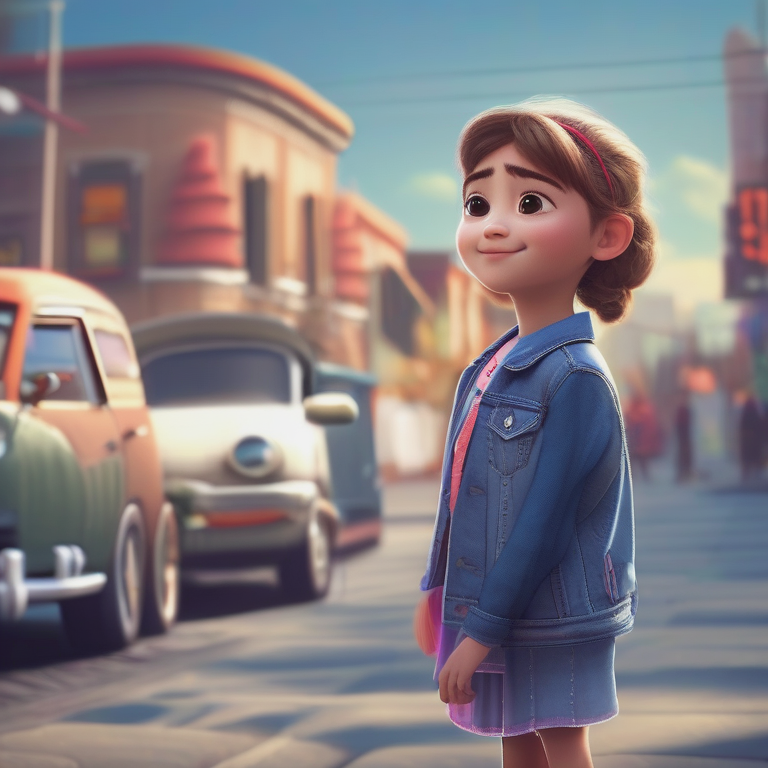
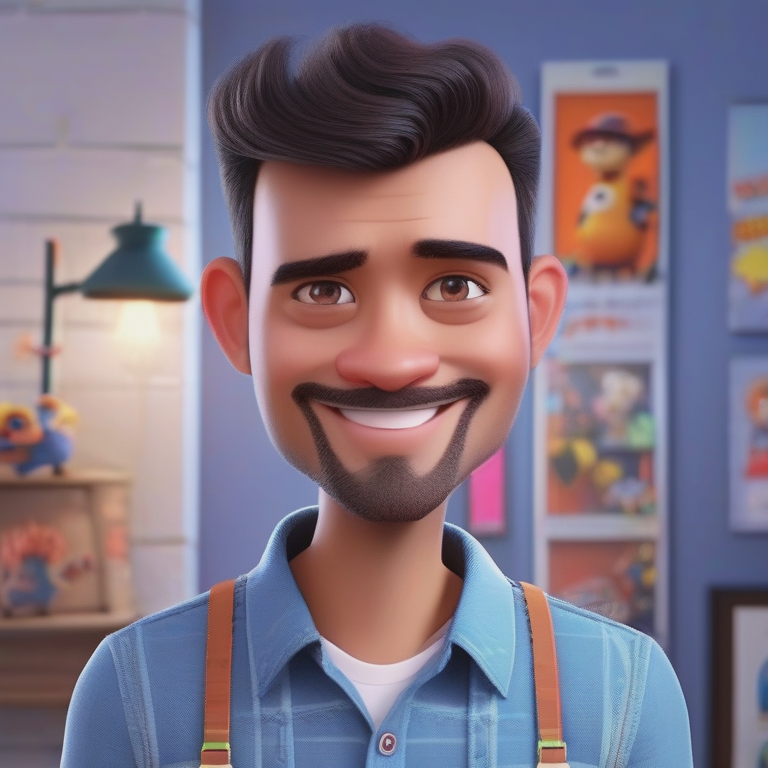
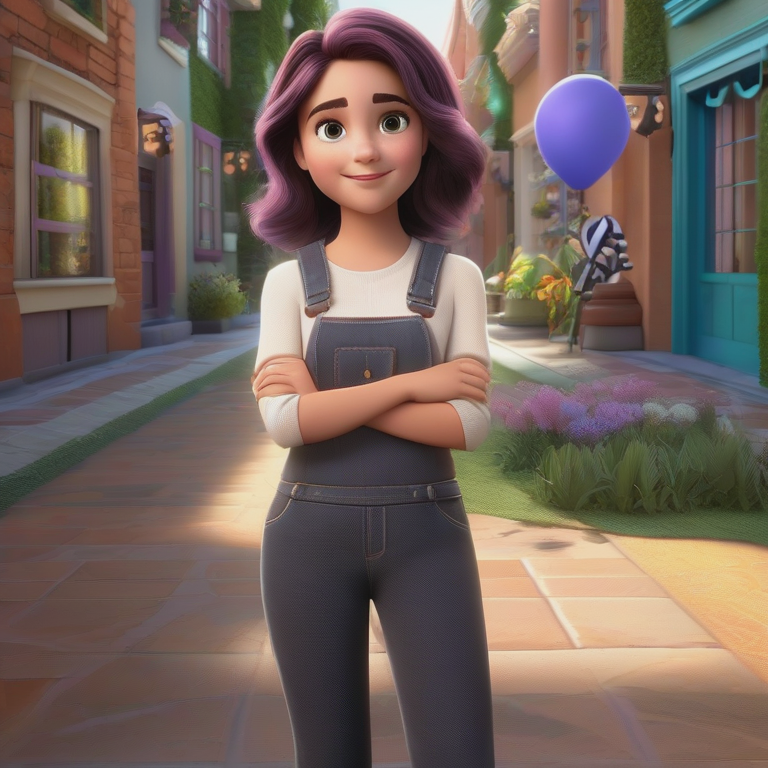
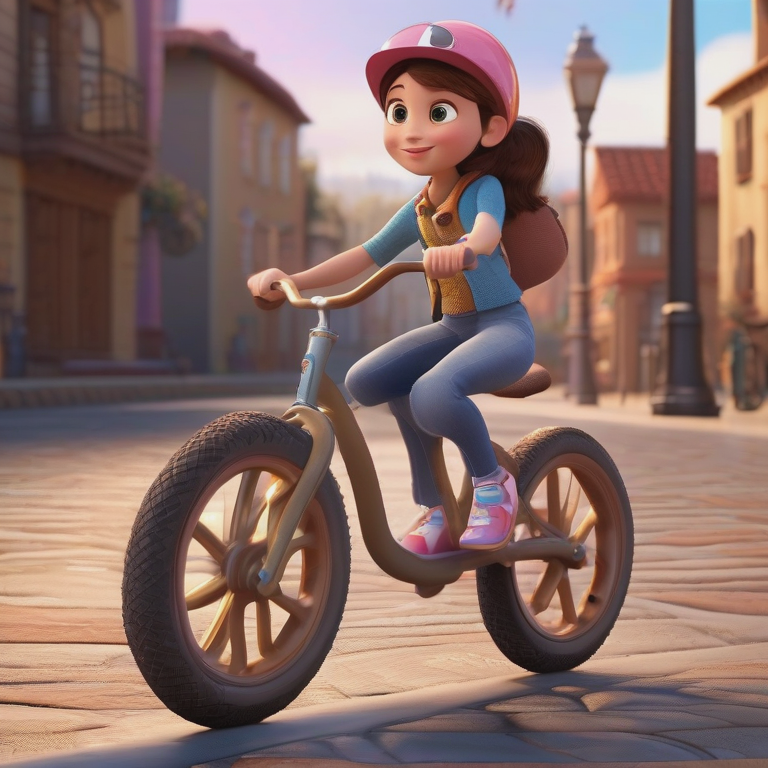
What Is Image-to-Image Transformation?
Our AI-powered tool takes any existing photo and converts it into various artistic styles while preserving the core composition. Unlike basic filters, the AI understands the structure and content of your image, then reimagines it in the target style.
The result maintains proportions, recognisable features, and visual coherence — just with a completely new artistic identity.
How It Works
Three simple steps to stunning results
Upload Your Image
Select any photo you want to transform. Supports JPG, PNG and WEBP up to 10 MB. High-resolution images produce the best results.
Choose a Style
Pick from Anime, Manga, Ghibli, Realistic, Pixar and more. Each style applies distinct visual characteristics to your image.
Transform & Download
Our AI processes your image in seconds. Download the result with a full commercial license — no attribution required.
Style Guide
Understanding each available style
Anime Cartoon
Bright colors, expressive eyes, cel-shading typical of Japanese animation.
Ghibli
Soft dreamy aesthetics — warm tones, painted backgrounds, expressive characters.
Manga
Bold ink lines, limited palette, dramatic expressions from Japanese comics.
Anime Realistic
Hybrid style blending anime-character design with photorealistic detail.
Realistic
Enhanced photographic style — refined lighting, skin texture, and atmosphere.
Pixar
3-D rendered look with smooth surfaces and vivid Pixar-style colors.
Tips for Best Results
Use high-quality source images
Higher resolution gives the AI more detail to work with, producing sharper transformations.
Consider lighting and contrast
Well-lit images with good contrast transform better than underexposed or overexposed photos.
Match subject to style
Portraits shine in anime styles; landscapes look stunning in Ghibli. Experiment freely.
Maintain aspect ratio
Keeping the original ratio preserves composition throughout the transformation.
Experiment with multiple styles
The same image can look dramatically different. Try several styles to find your favourite.
Full Commercial License
Every transformed image is yours to use however you like
Frequently Asked Questions
What types of images work best?
Portrait photos and character illustrations with clear focal points produce the best results. Complex multi-subject scenes may lose some fine detail.
Will the composition be preserved?
Yes — the AI maintains overall structure and positioning while applying the new artistic style.
How long does transformation take?
Most transformations complete in 30–60 seconds depending on image size and style complexity.
Can I combine multiple styles?
Currently one style per transformation. You can transform the same image multiple times and blend results in an editor.
Are there restrictions on image uploads?
JPG, PNG and WEBP formats, max 10 MB. Content must comply with our community guidelines.