
From Concept to Final Image: A Complete AI Art Workflow
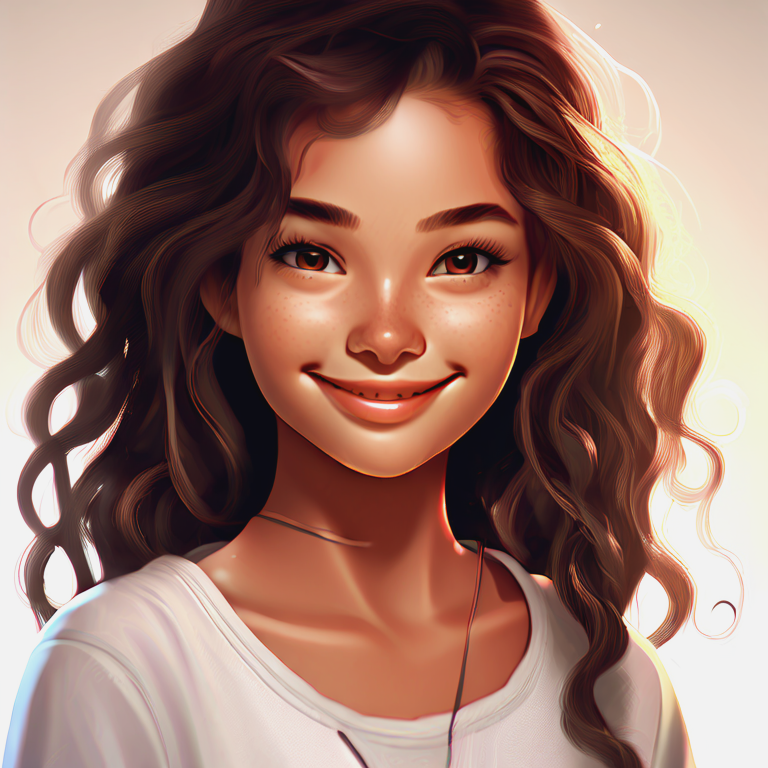
From Concept to Final Image: A Complete AI Art Workflow
Stage 1 — Research and references
Collect mood boards, color palettes, and reference images. Use keyword research to identify trending concepts and search intent.
Stage 2 — Prompt drafting and testing
Start with a concise prompt, then iterate by adding style, lighting, and composition modifiers. Keep a changelog of prompt versions.
Stage 3 — Iteration and selection
Generate multiple variants, select top candidates, and refine prompts for the chosen direction.
Stage 4 — Post‑processing
Use tools like Photoshop or dedicated upscalers to:
- Correct color and exposure
- Remove artifacts
- Enhance details selectively
Stage 5 — Export and delivery
Export in the correct color space and resolution for the target platform (web, print, social). Include descriptive filenames and alt text for SEO.
Best practices for teams
- Maintain a shared prompt library
- Tag assets with keywords and usage rights
- Automate repetitive tasks with scripts or pipelines
Conclusion
A repeatable workflow reduces time to market and improves consistency. Document each step and optimize based on analytics and user feedback.
Related Articles
Top Visual Styles for AI Art: How to Choose the Right Look
A practical guide to the most searched AI art styles — photorealism, surreal, painterly, and more — with examples, use cases, and prompt recipes.
Speed Optimization Techniques for Faster AI Renders
Proven methods to reduce render time and cost for AI image generation — batching, caching, prompt simplification, and asset optimization.