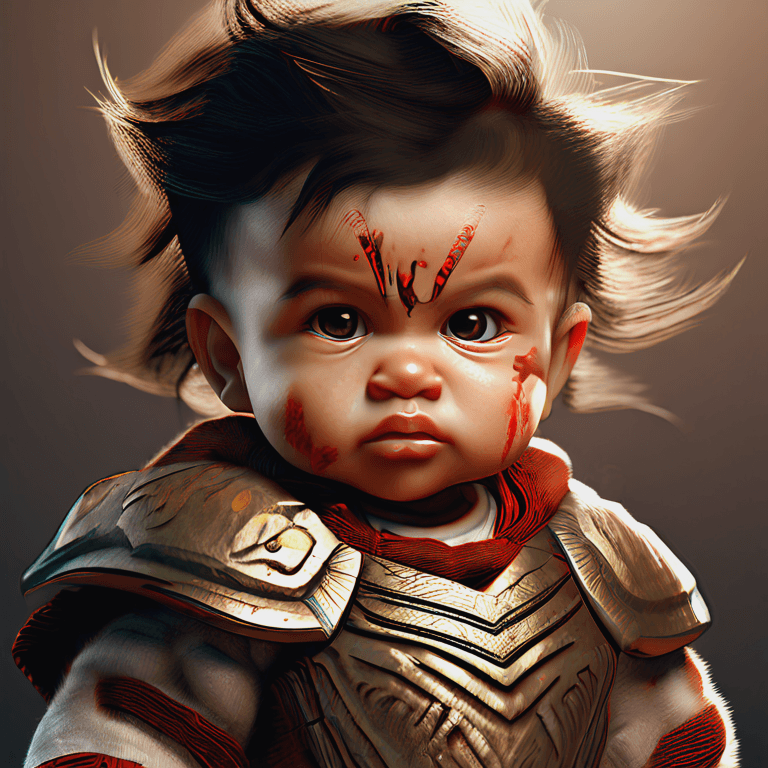
How to Write High‑Impact Prompts for AI Image Generators
Amr•11/1/2025•2 min read

How to Write High‑Impact Prompts for AI Image Generators
Why prompts matter
A well‑crafted prompt is the single biggest factor that determines the quality of an AI‑generated image. Search engines and users look for practical guides that deliver repeatable results — this article gives you templates and a step‑by‑step approach.
Prompt structure that works
- Subject — who or what is in the image (e.g., "a vintage red bicycle").
- Style — art direction (e.g., "photorealistic", "digital painting", "cinematic").
- Lighting & Mood — "golden hour, soft shadows, warm tones".
- Composition — "close-up, shallow depth of field, rule of thirds".
- Camera & Lens (optional) — "50mm, f/1.8, bokeh".
- Quality modifiers — "ultra-detailed, 8k, high contrast".
Example prompt template:
A [subject] in [style], [lighting & mood], [composition], shot with [camera/lens], ultra-detailed, 8k.
SEO prompt tips (what users search for)
- Use clear nouns and adjectives: "red vintage bicycle" beats "old bike".
- Include synonyms and related terms to capture broader queries.
- Add negative prompts to avoid unwanted elements: "no text, no watermark".
Troubleshooting common prompt issues
- Blurry results: add "high detail, sharp focus".
- Wrong colors: specify exact color words and lighting.
- Unwanted objects: use negative prompts like "no people, no logos".
Prompt templates (copy & paste)
- Photorealistic portrait: "A portrait of a [subject], photorealistic, soft studio lighting, 85mm lens, ultra-detailed."
- Landscape cinematic: "A sweeping mountain landscape at golden hour, cinematic color grading, wide-angle, dramatic clouds, ultra-detailed."
Conclusion
Mastering prompt structure and using tested templates will dramatically improve your AI image outputs. Track which keywords and modifiers produce the best results and iterate for consistent quality.